1. System administrator role
The ERPNext admin manages users, roles, permissions, settings, security, reports, and operational controls.
2. Users and accounts
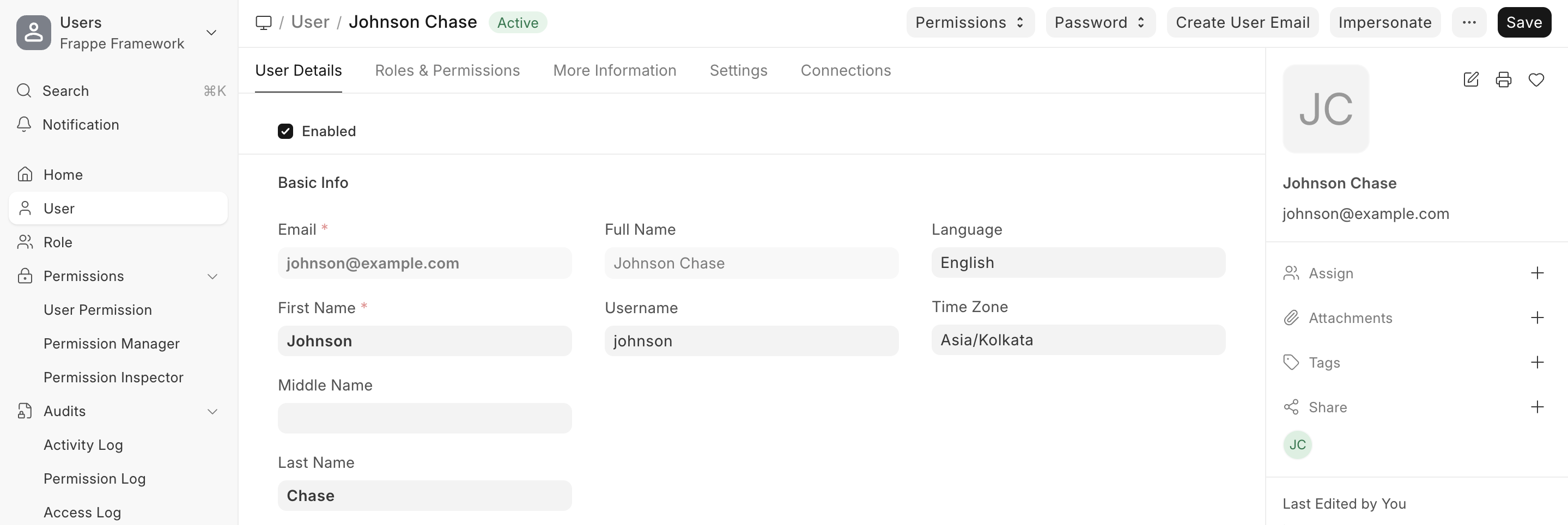
Users should have valid email, clear roles, enabled/disabled status, and controlled password procedures.
3. Roles and Role Profile
Roles define access, and Role Profiles group multiple roles for similar users.

4. Role Permission Manager
Read, Write, Create, Submit, Cancel, and other permissions should be configured per DocType and role.

5. User Permissions
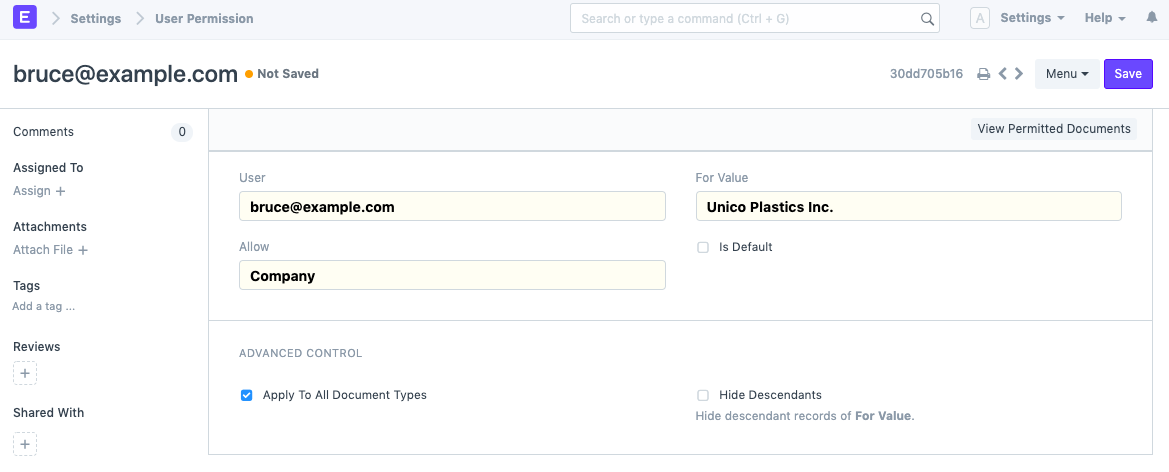
User Permissions restrict access to a specific company, branch, warehouse, customer, or other record.
6. Page and report permissions
Sensitive reports and pages should only be visible to the right roles.
7. Settings and controls
System Settings, Email, Number Series, Print Settings, and Workflows should match company policy.
8. Monthly admin review routine
- Review inactive users.
- Review System Manager access.
- Review sensitive reports.
- Audit new customizations.
- Document major changes.
Course summary for search and AI discovery
A practical system administration course for managing users, roles, permissions, settings, and operational controls in ERPNext/Frappe.
Topics and keywords
- ERPNext Admin
- ERPNext Permissions
- Role Permission Manager
- User Permissions ERPNext
- Role Profile ERPNext
- ERPNext System Manager
- Frappe Permissions
- NextFuture ERPNext Training