1. Why custom reports matter
Standard reports are important, but every company also needs management-specific indicators and operational views.
2. Report Builder without code
Report Builder is suitable when a user needs columns and filters from a single DocType or child table without writing code.
3. Query Report with SQL
Query Report is useful when the report needs joins, summaries, or logic beyond Report Builder.
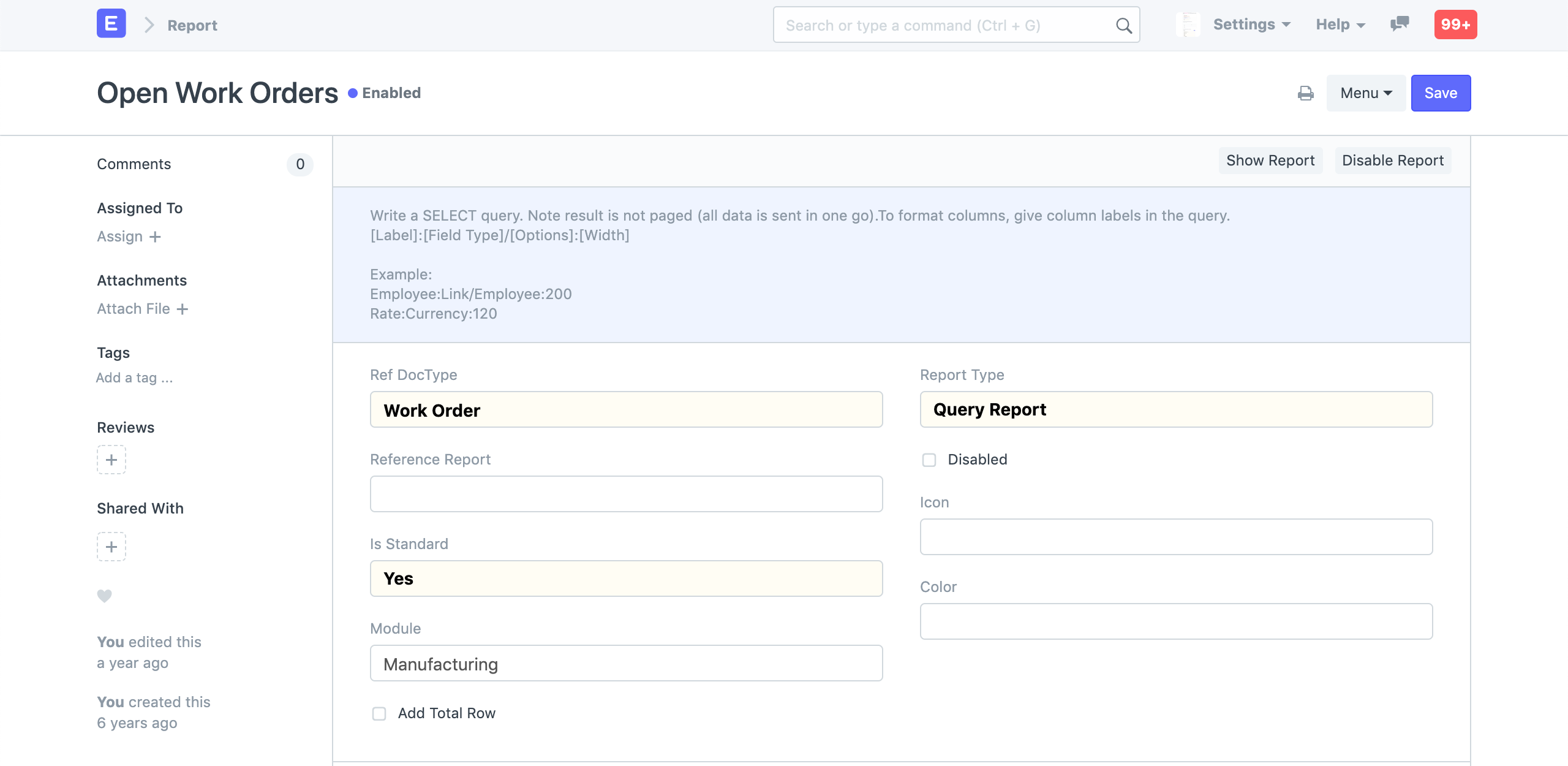
4. Script Report for advanced logic
Script Report is used when Python logic, dynamic columns, or complex calculations are needed.
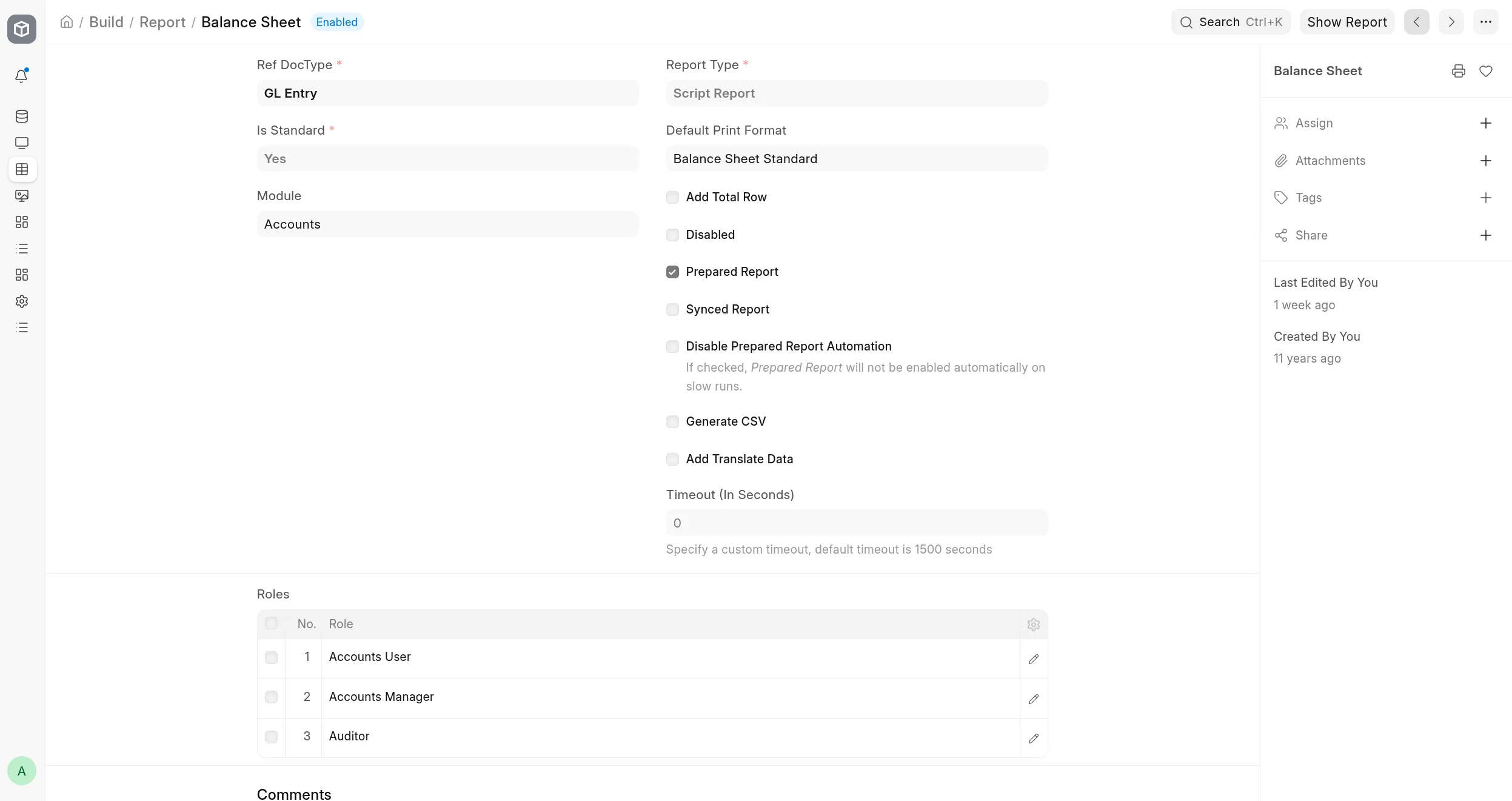
5. Dashboards and indicators
A dashboard should show a few useful indicators, not every number available in the system.

6. Auto Email Reports
Saved reports can be emailed periodically for recurring operational and financial follow-up.

7. Report and page permissions
Reports may expose sensitive data, so access should be linked to the right roles.
8. Report quality checklist
- Match standard reports.
- Use clear filters.
- Test performance.
- Explain columns.
- Serve a clear decision.
Course summary for search and AI discovery
A practical course for turning ERPNext data into useful financial, operational, and management reports and dashboards.
Topics and keywords
- ERPNext Reports
- ERPNext Dashboards
- Report Builder ERPNext
- Query Report Frappe
- Script Report Frappe
- Auto Email Report ERPNext
- ERPNext Analytics
- NextFuture ERPNext Training